





AuraNote N1 at a Glance

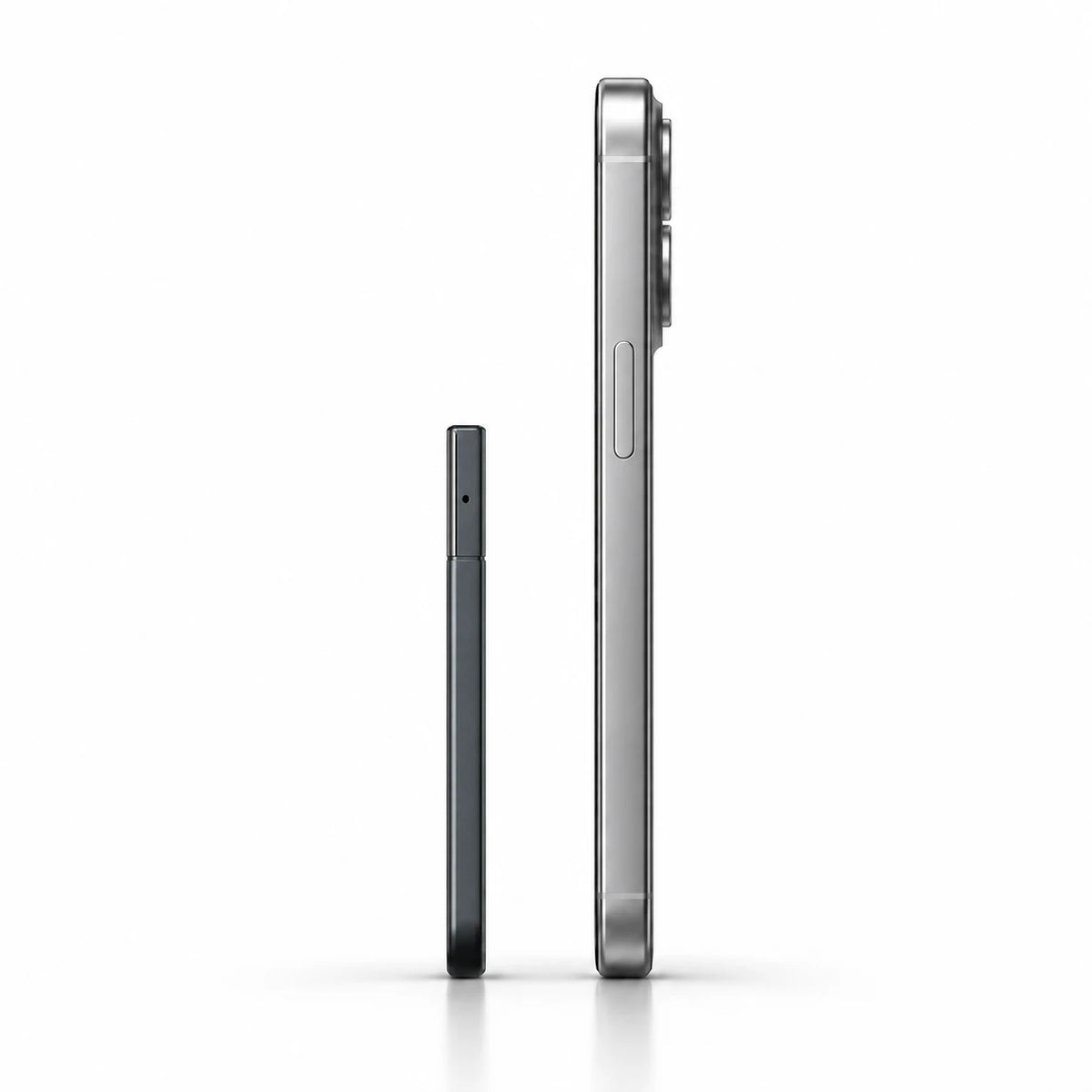
Slim. Easy to Carry.

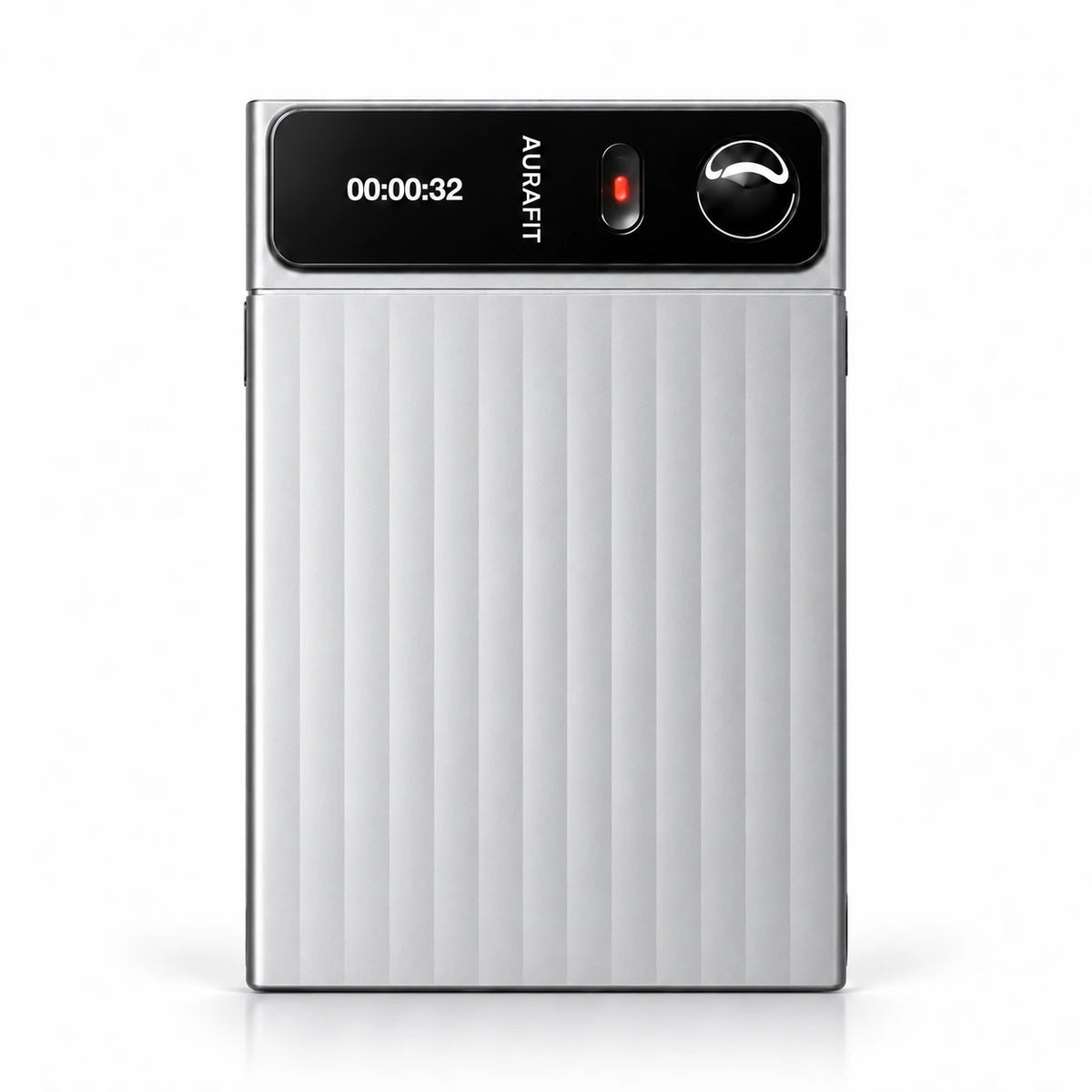
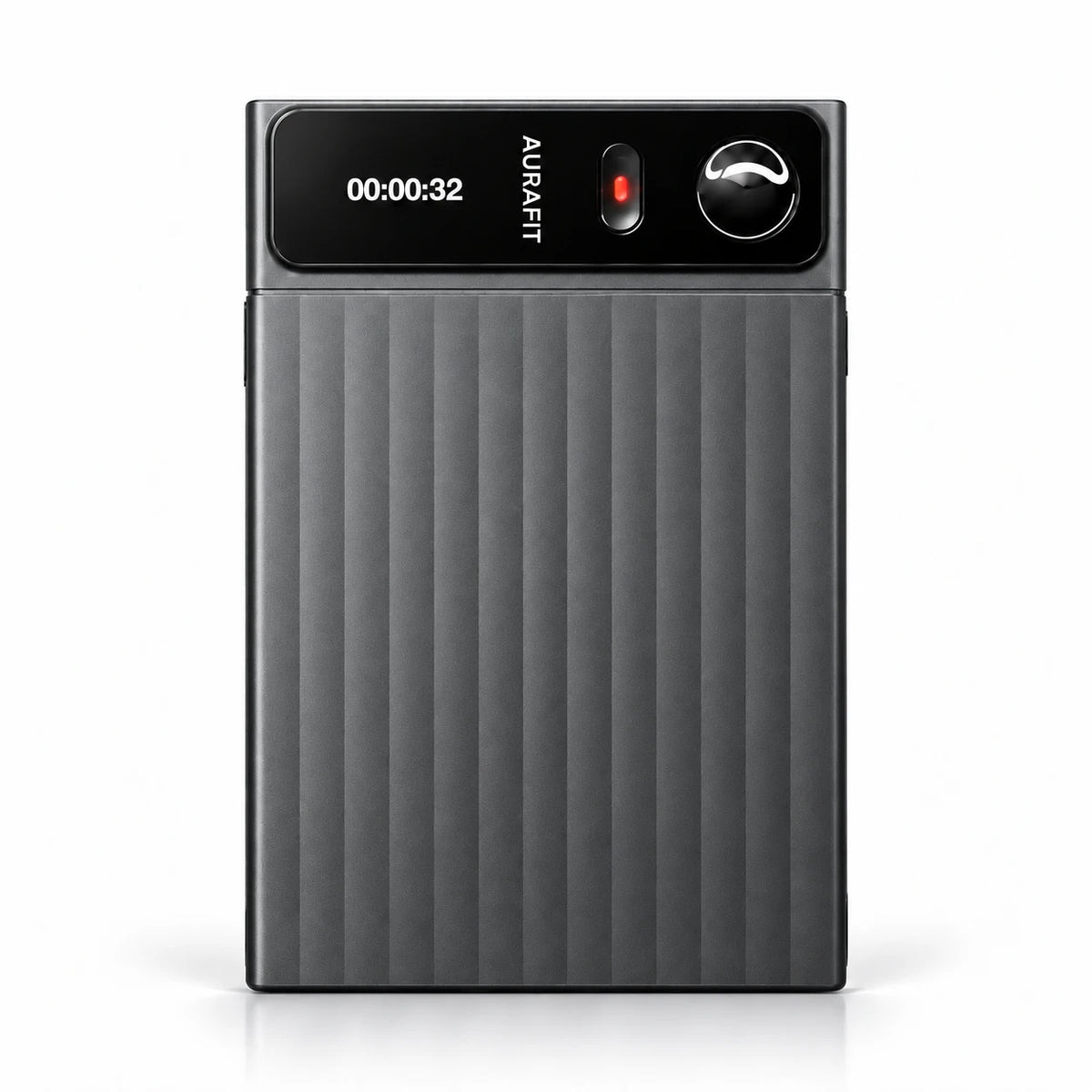
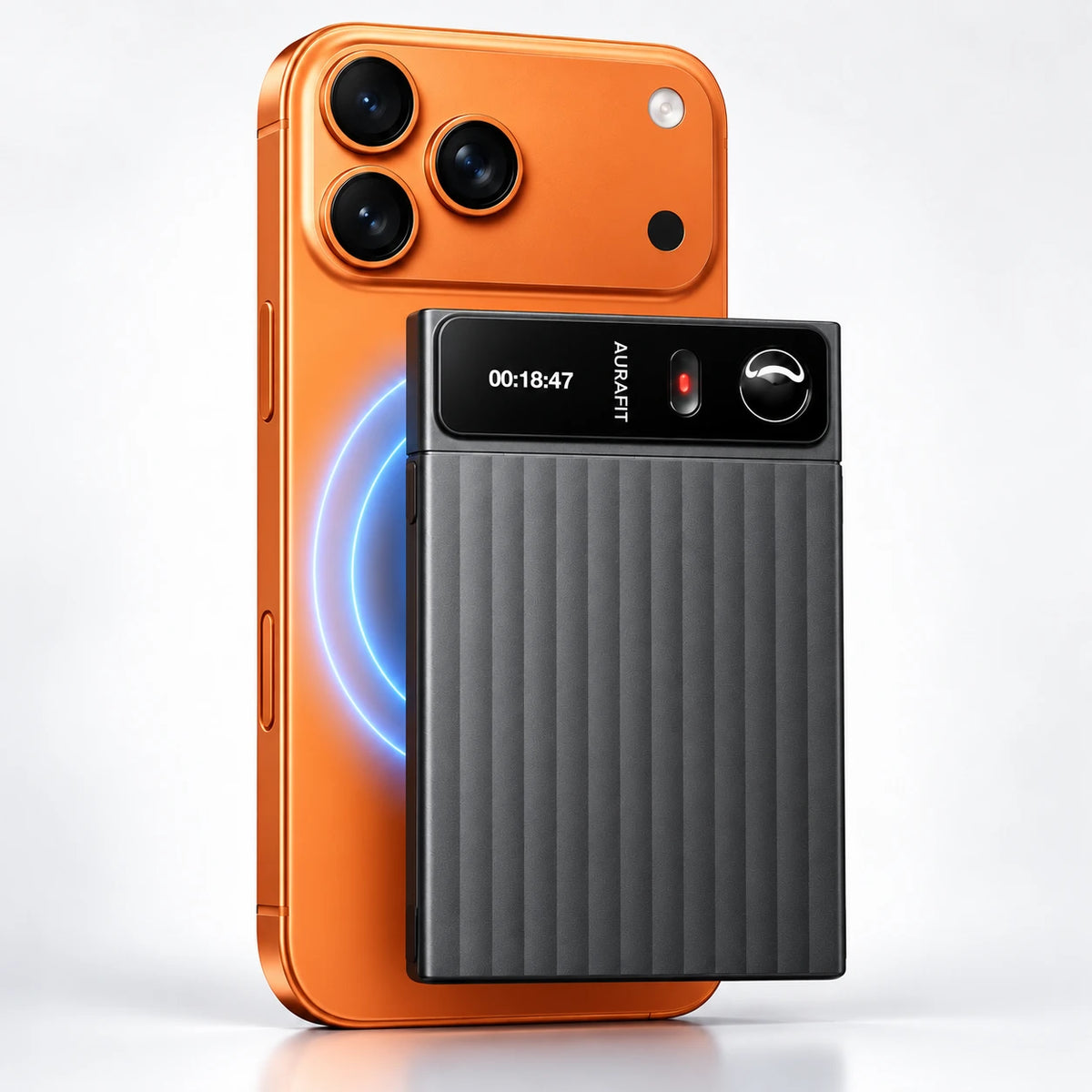
Gunmetal AuraNote N1 showing its slim metal body

See Your Recording Status.

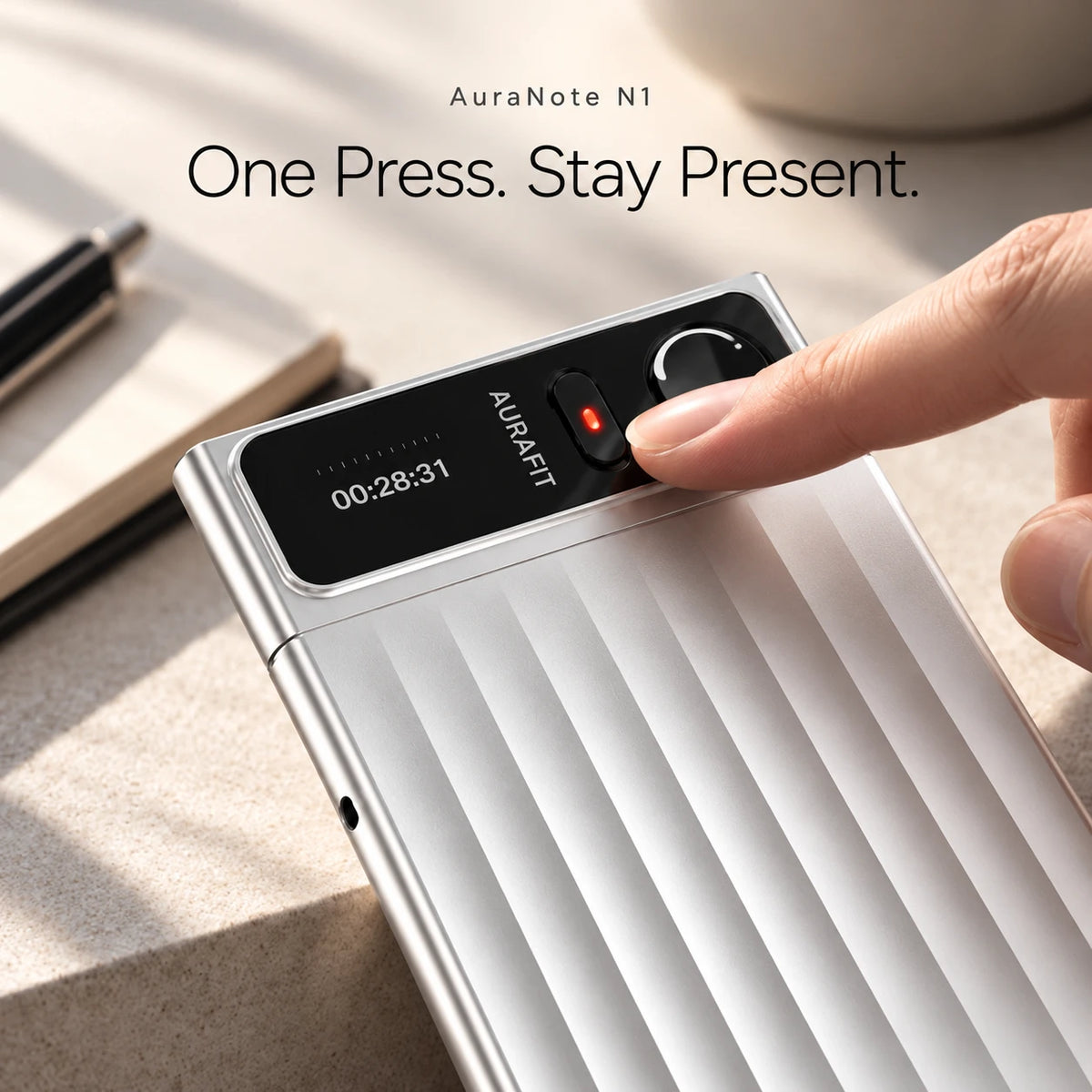
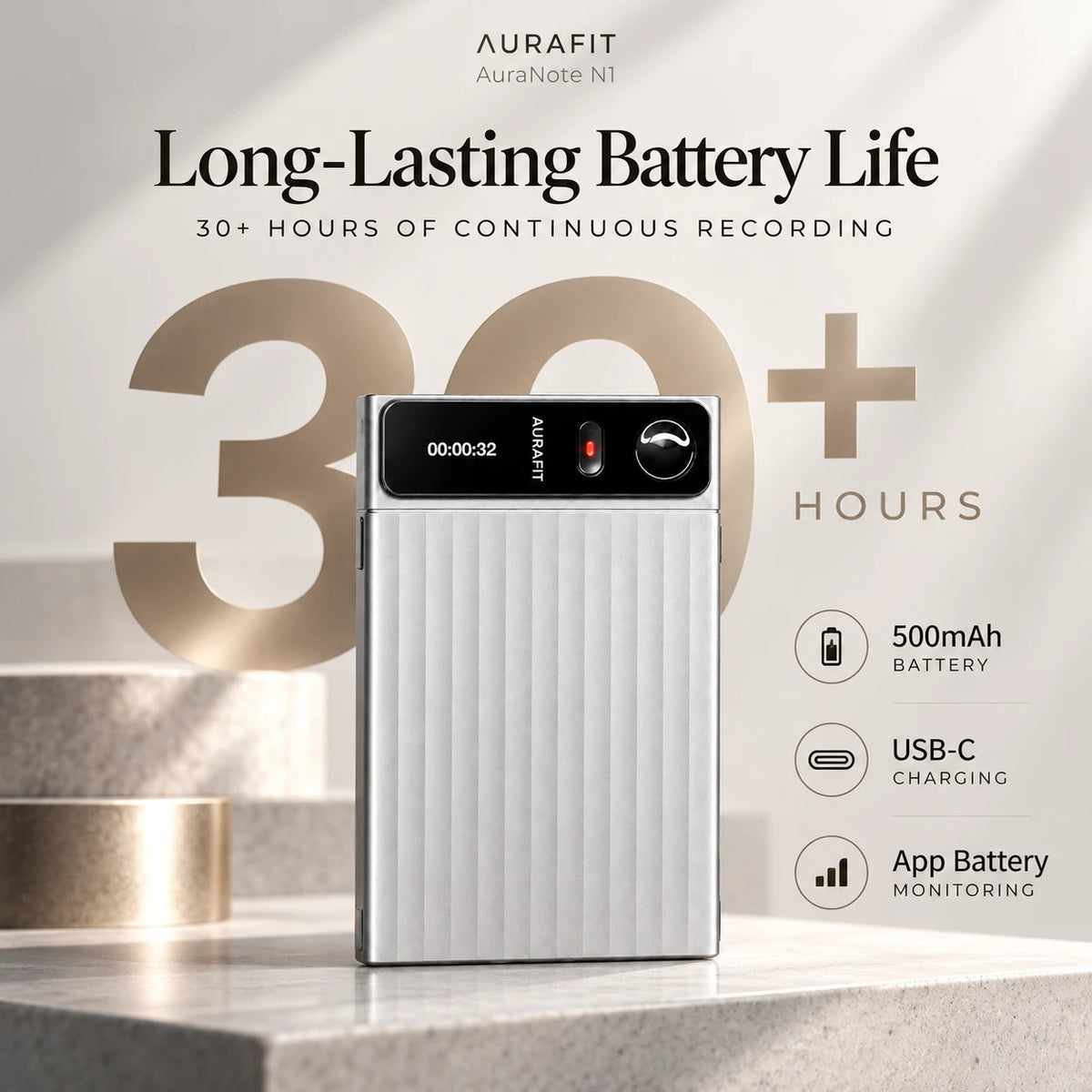
AuraNote N1 recording timer and physical controls

Turn Recordings into Text.

TRANSCRIPT

“Let’s confirm the final design by Friday and share the updated plan with the team.”

Illustrative example

Review the conversation in writing.

Record. Store. Keep.

16GB

Built-in storage

Recordings are saved on your device first.

Transfer Your Recordings.

BluetoothWi-Fi

Move recordings to the Aurafit app.

Works With Your Phone.

iOSAndroid

Connect with the Aurafit app.

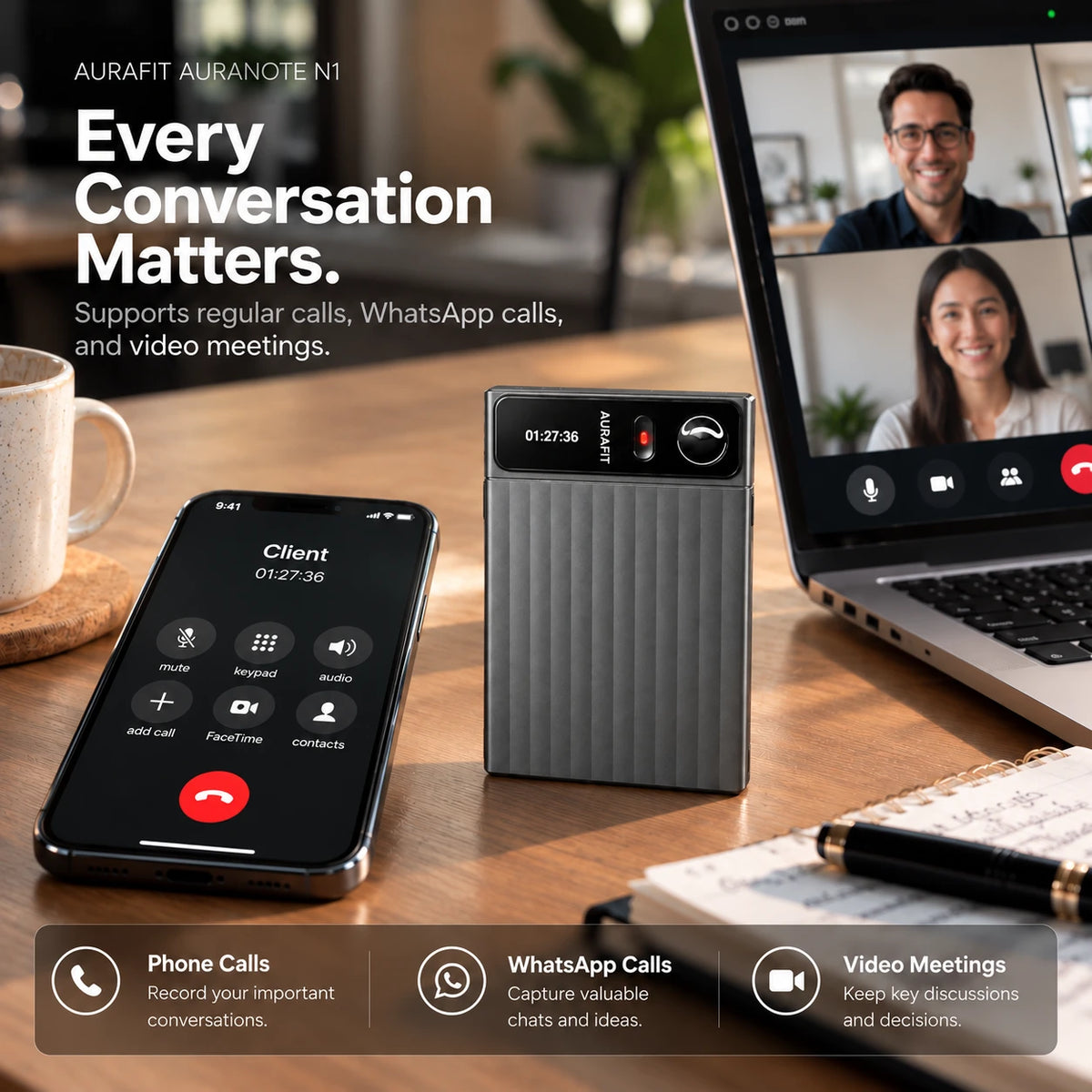
Capture Calls & Meetings.

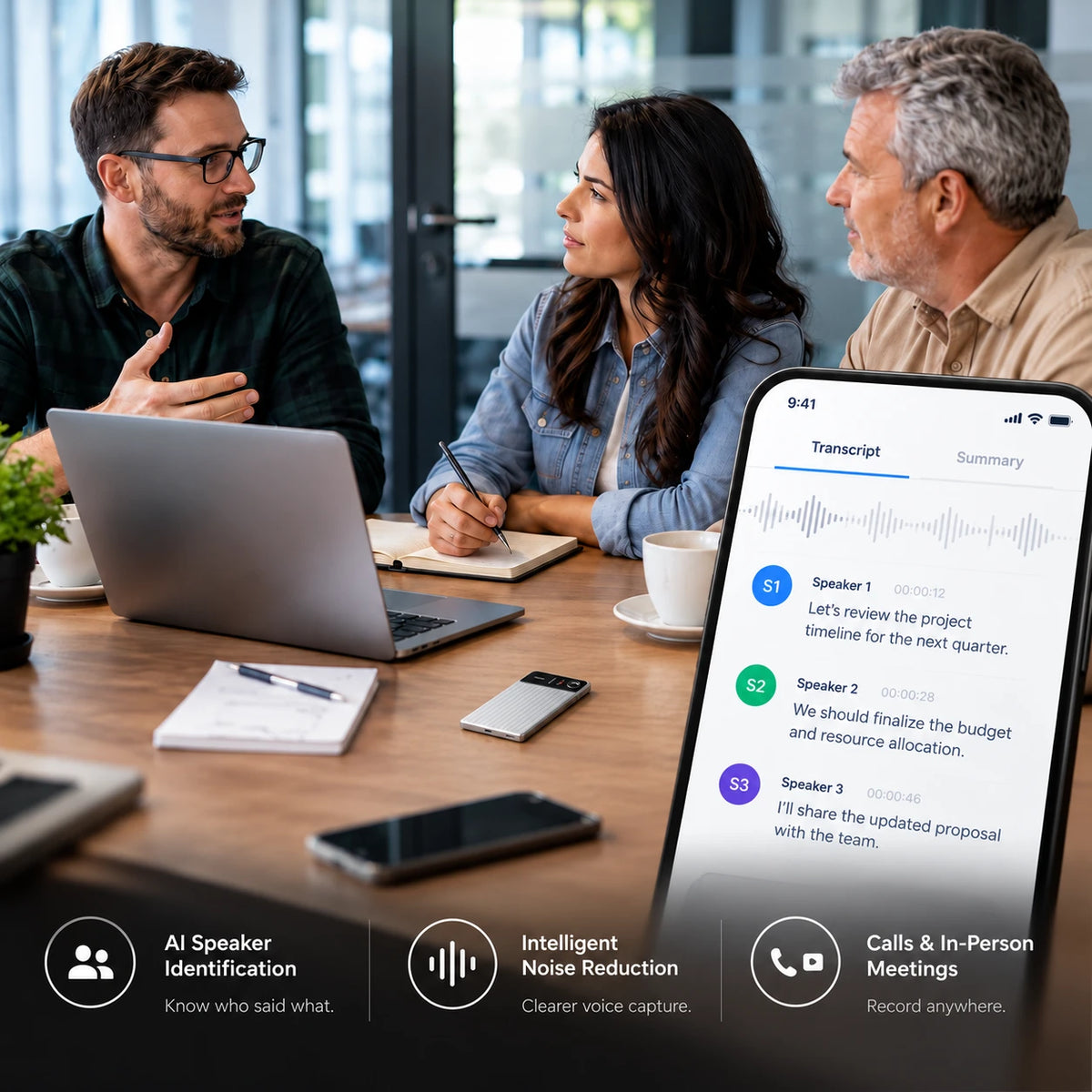
AuraNote N1 on a table during an in-person meeting

Get the Summary.
Know What’s Next.

SUMMARY & ACTION ITEMS

Design review scheduled for Friday.

  • Confirm the final design.
  • Share the updated plan.
Illustrative example

Keep Recordings Together.

Aurafit appCloud sync

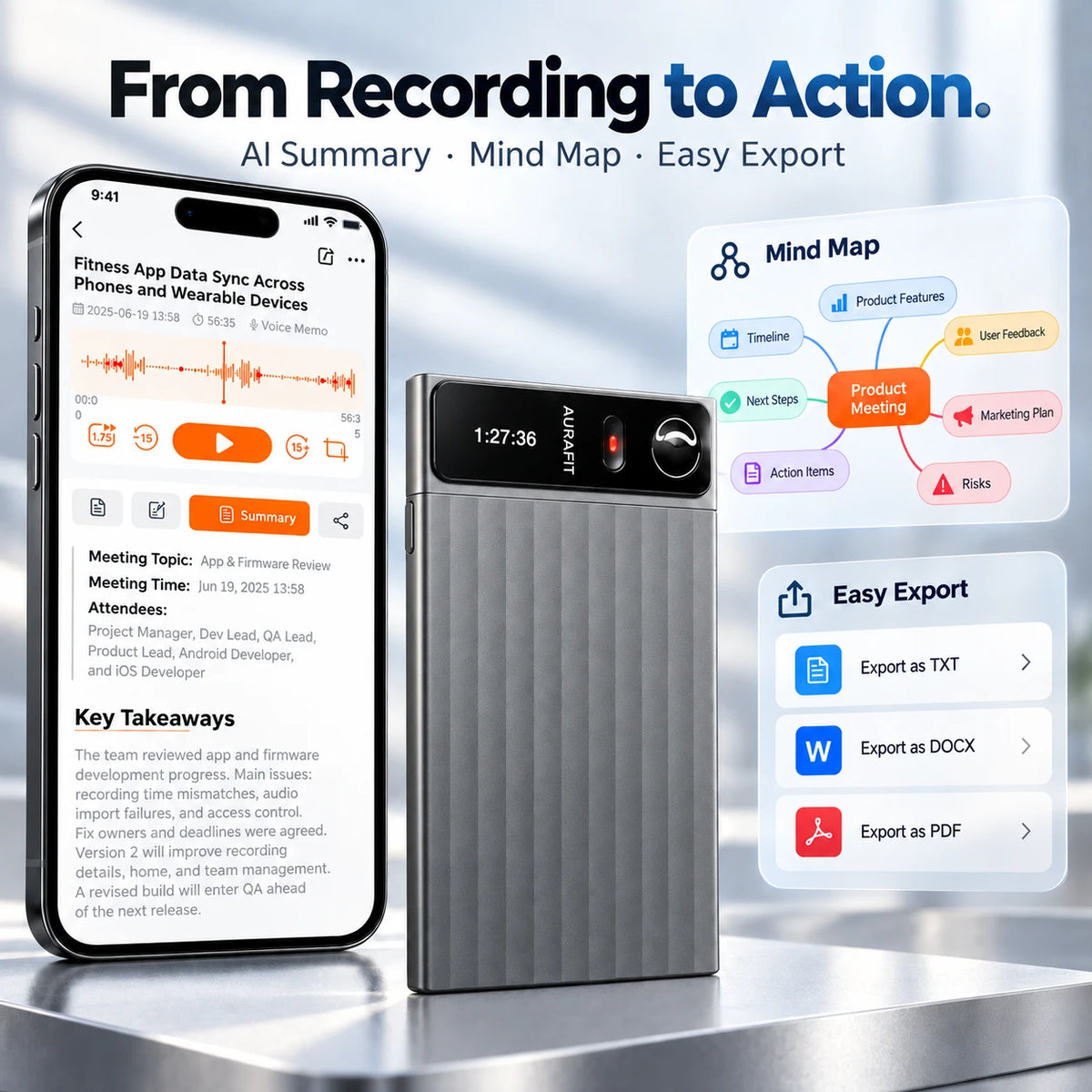
Export & Share.

TXTDOCXPDF

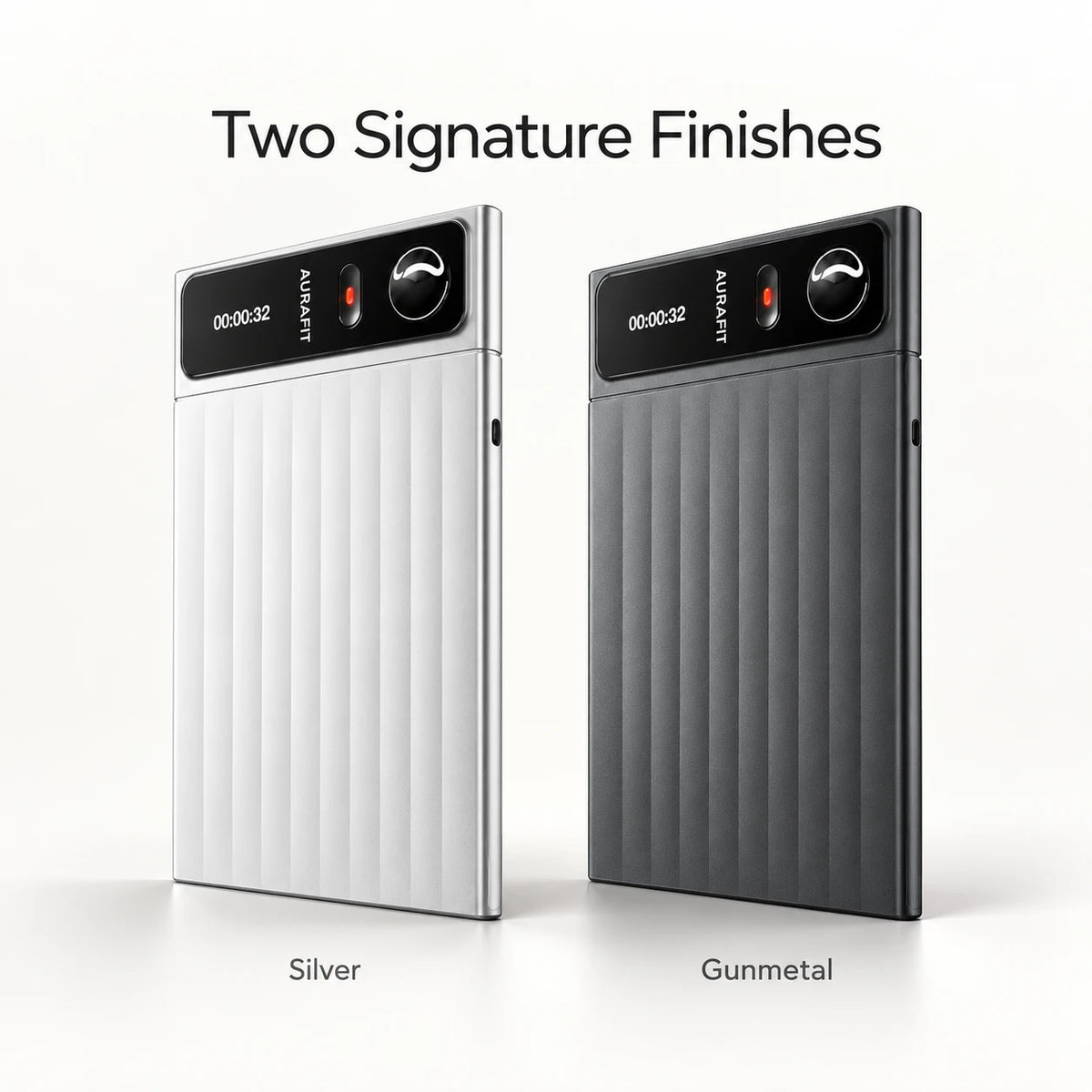
Two Metal Finishes.

Silver and gunmetal AuraNote N1 recorders side by side

Silver · Gunmetal

AURANOTE N1 · AI MEETING NOTES

Record Meetings.
Get AI Notes.

Less Typing. Less Reviewing.

Record with AuraNote N1, then sync to the Aurafit app to generate a transcript, summary, and action items.

AuraNote N1 recorder on a table during a face-to-face meeting

DURING THE MEETING

Record Instead of Taking Notes.

Capture the discussion so you can focus on the conversation.

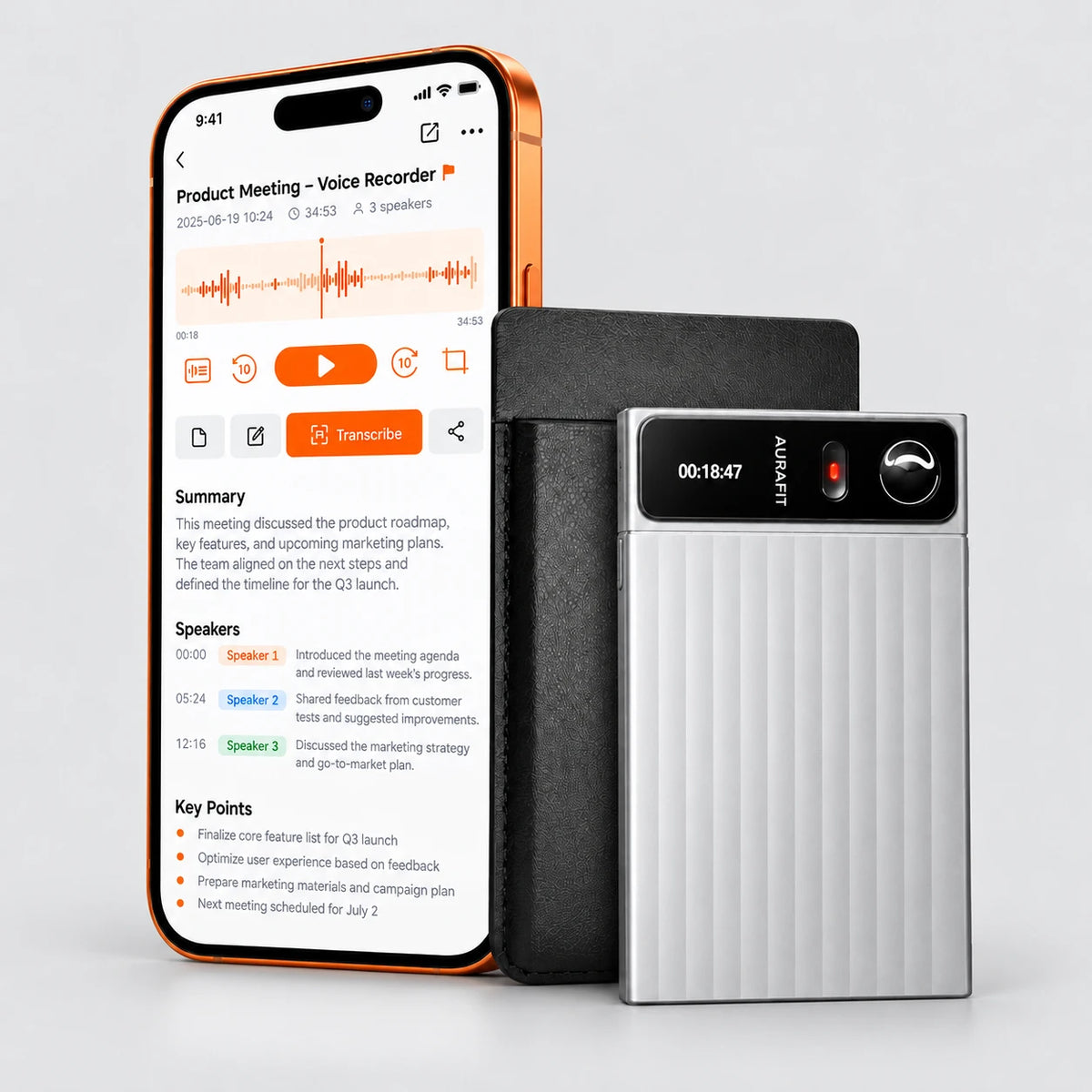
AuraNote N1 recorder beside an English meeting summary in the Aurafit app

AFTER THE MEETING

Get a Summary and Action Items.

Review the main points and see what needs to be done next.

  • Transcript
  • Summary
  • Action Items

Internet required for AI processing.

AURANOTE N1 · RECORDING + AI NOTES

Record Once.
Get Transcripts, Summaries & To-Dos.

Spend less time taking notes and reviewing recordings.

Capture the discussion with N1. Turn the recording into readable text, key points, a mind map and next steps.

Step 1: AuraNote N1 capturing a meeting conversation
Audio Recording AURAFIT

Focus on the discussion, not your notes.

Capture meeting audio with N1 and keep the conversation ready to review after you leave.

MEETING AUDIO
Project Meeting

Record audio on N1. Sync it to the Aurafit app when you are ready to generate AI notes.

AURANOTE N1 · ASK AURA AI

Less replaying.
More answers.
Clear next steps.

Your recording is just the beginning. Get a clear summary, review the decisions and turn the conversation into a to-do list.

  • Review the key points without a full replay
  • Keep decisions and next steps together
  • Spend less time writing meeting notes
Get AuraNote N1 →

Try the sample on the right. Imagine it with your next conversation.

Ask Aura AITry it with a sample conversation
Interactive preview

1. CHOOSE A CONVERSATION

Website launch reviewSample conversation · 3 speakers

2. CHOOSE WHAT YOU NEED

Conversation summary

The team agreed to launch the website on October 28 with checkout and product pages as the first-release priorities. The blog redesign will move to phase two. Designs and checkout testing will be reviewed next Tuesday.

Read the sample conversation

Alex: Let’s launch the new website on October 28. Keep checkout and the product pages in the first release.

Sarah: I’ll send the updated designs by Friday. We can move the blog redesign to phase two.

Michael: I’ll test checkout on Monday and send the results to Alex.

Alex: Agreed. Let’s review the designs and test results next Tuesday.

Try another question to see what you can get from the same conversation.
AURANOTE N1 · MADE FOR YOUR DAY

Less note-taking.More from every conversation.

Meetings, classes, interviews and everyday work. Record with AuraNote N1, then turn the conversation into notes you can use.

Content creator seated at a recording desk with AuraNote N1
Content recording

Keep the ideas. Skip the full replay.

Record your spoken ideas and content conversations. Review a transcript and summary when it is time to create.

Transcripts · AI summaries
AuraNote N1 on a student desk during a classroom lesson
Classes & learning

Listen in class. Review the key points later.

Turn recorded lessons into readable notes, summaries and mind maps for your next study session.

Study notes · Mind maps
Team discussing a presentation with AuraNote N1 on the conference table
Team meetings

Leave with decisions and next steps.

Record the team discussion and review the key points and action items after the meeting.

Meeting summaries · Action items
Colleagues reviewing plans with AuraNote N1 on the work table
Planning sessions

Keep the plan after the discussion ends.

Turn planning conversations into an organized summary of ideas, priorities and follow-up tasks.

Key points · Follow-up tasks
Woman taking part in a filmed interview with silver AuraNote N1 on the table
Interviews

Stay in the conversation. Revisit the details.

Keep an audio record of the interview and review the transcript when you need the details again.

Audio recordings · Transcripts
Two professionals speaking at a table with AuraNote N1 beside their notes
Client conversations

Remember what your client needs.

Review the discussion, keep important requests together and organize the next steps for follow-up.

Conversation summaries · Next steps

AURANOTE N1 · A LITTLE LESS BUSYWORK

Less replaying.
More getting on with your day.

Read it in your language. Know who said what. Find that recording. Explore six ways N1 makes everyday conversations easier to use.

TRANSLATION

Different language? Same conversation.

Read the conversation in a language that feels familiar.

Aurafit translation screen showing English and Spanish weekend plans
Weekend plansSample recording
ORIGINAL · ENGLISH
Let’s meet at the café on Saturday.
TRANSLATION · SPANISH
Nos vemos en la cafetería el sábado.

Interactive examples · Illustrations of feature workflows.

AURANOTE N1 · EVERYDAY CARRY

Slim. Light.
Ready to Record.

A 4mm slim, 34g recorder that fits easily in your bag—with 30+ hours of recording for meetings, interviews, and the conversations that matter.

Thin metal body
4mm

Easy to slip into your bag.

Lightweight design
34g

Less weight to carry.

Recording battery life
30+hrs

Long recording sessions.

Recording time varies with use and settings.

AURAFIT / AURANOTE N1

Know What You’re Getting.

Inside the box, product specifications, and answers to your questions.

AuraNote N1 recorder, product packaging, carrying case, Type-C charging cable, magnetic ring and user manual

THE COMPLETE KIT

What’s in the Box

Your recorder and its everyday essentials, together in one package.

  • 01
    AuraNote N1

    AI voice recorder

  • 02
    Carrying Case

    For everyday storage

  • 03
    Type-C Charging Cable

    For charging your recorder

  • 04
    Magnetic Ring

    Included accessory

  • 05
    User Manual

    Get started with your N1

Technical Specifications

A closer look at the hardware behind the experience.

HARDWARE & DESIGN
Model
AuraNote N1
Body Material
Metal
Available Colors
Silver / Gunmetal
Thickness
4 mm
Weight
34 g
RECORDING & POWER
Recording Range
Up to 5 m
Battery Capacity
500 mAh
Continuous Recording
Up to 30+ Hours*
Charging Port
USB Type-C
Charging Time
2.5+ Hours*
AI & CONNECTIVITY
AI Transcription
110+ Languages
Speaker Recognition
Supported
AI Meeting Summaries
Supported
AI Mind Maps
Supported
Ask AI
Supported
File Transfer
Wi-Fi Transfer
Access
App & Web

*Recording endurance, charging time, transfer speed, and performance vary depending on settings, file size, connection quality, and actual usage conditions.

Frequently Asked Questions

Clear information to help you choose with confidence.

How long can AuraNote N1 record on a full charge?

AuraNote N1 supports 30+ hours of continuous recording on a full charge under suitable conditions. Actual recording time depends on settings and usage.

How many languages does AI transcription support?

AuraNote N1 supports AI transcription in 110+ languages, including English, Spanish, French, German, Japanese, and Chinese.

Can it distinguish different speakers?

Yes. AuraNote N1 features AI speaker recognition designed to help distinguish different voices and organize multi-speaker conversations in your transcripts.

Can I access my recordings on my phone and computer?

Access and manage your supported recordings and related notes through the AuraNote N1 companion app and web interface.

How are recordings transferred?

AuraNote N1 transfers recording files to the companion app over Wi-Fi. Transfer time depends on recording size and connection conditions.

Can I export transcripts and meeting notes?

Export supported transcripts and notes in Word, PDF, or Markdown formats, making it easy to organize and share important information.

Can I manage and delete my recordings?

Manage and delete recordings through the AuraNote N1 companion app. Available storage and account management options depend on your software configuration.

Still Have Questions?

Our team is here to help you learn more about AuraNote N1.

Contact Us
AURAFIT AuraNote N1 AI voice recorders in gunmetal and silver finishes displayed together on a dark stone platform
ENGINEERED FOR CLARITY
AURAFIT / AURANOTE N1 SILVER · GUNMETAL
YOUR NEXT CONVERSATION STARTS HERE

Capture What Matters.

Stay present in every conversation. Capture the details, uncover the insights, and move forward with confidence.

AURAFIT

AuraNote N1

AI Voice Recorder

N1
AI Transcription Smart Summaries Ask AI 110+ Languages
YOUR AURANOTE N1
$119.00
Available
Choose Your Finish Silver

Price and availability update with your selected finish.

Secure Checkout Need Help?