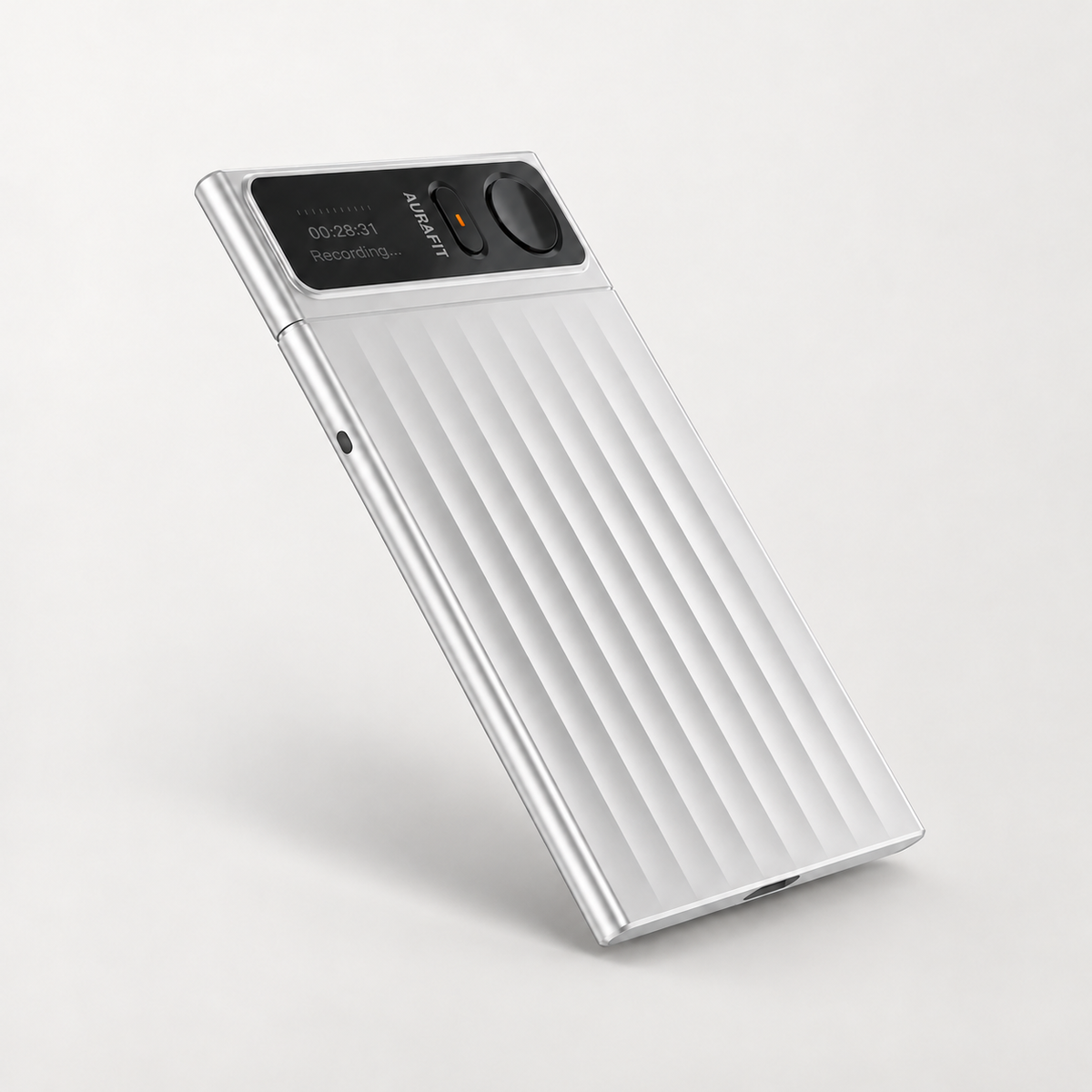
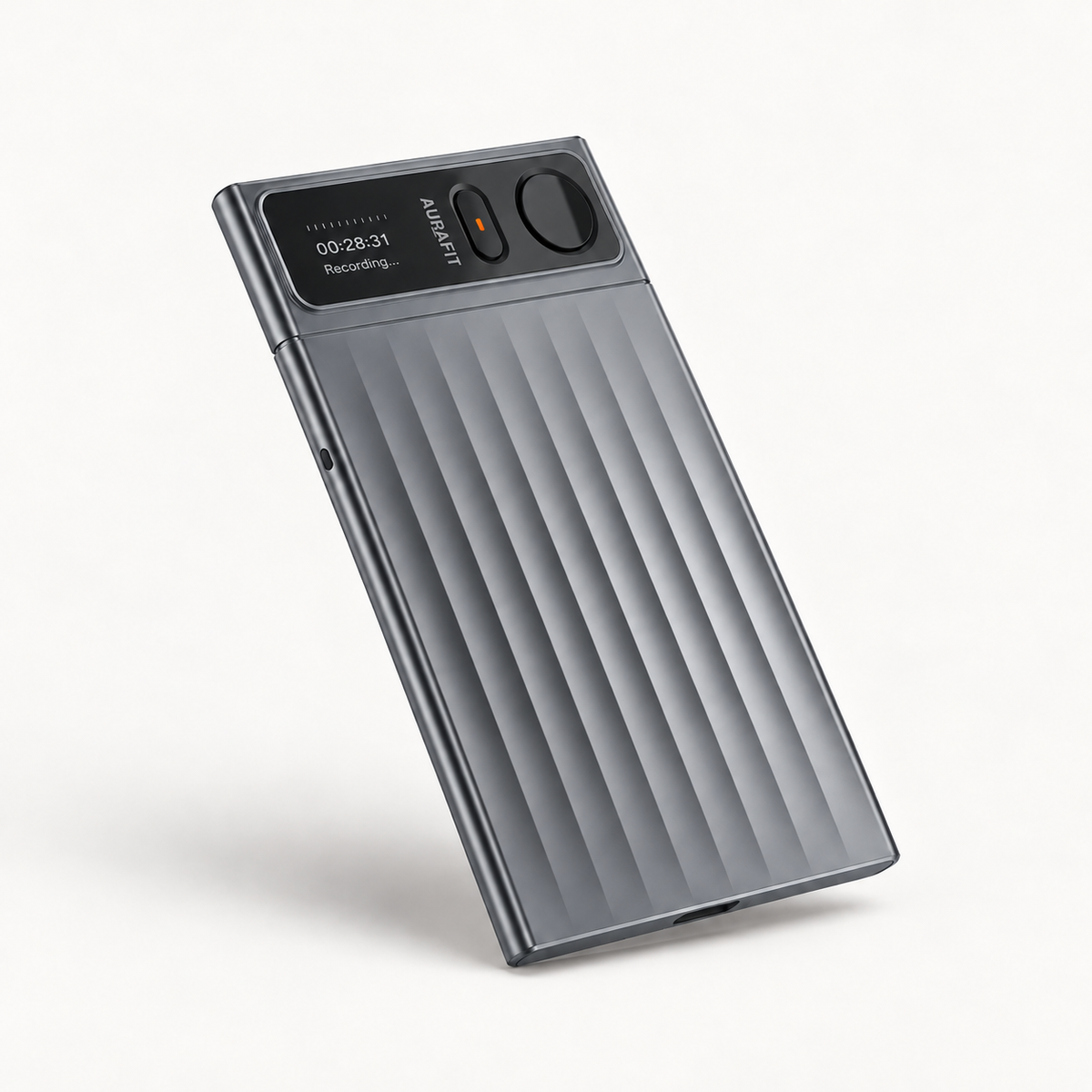
Slim. Easy to Carry.

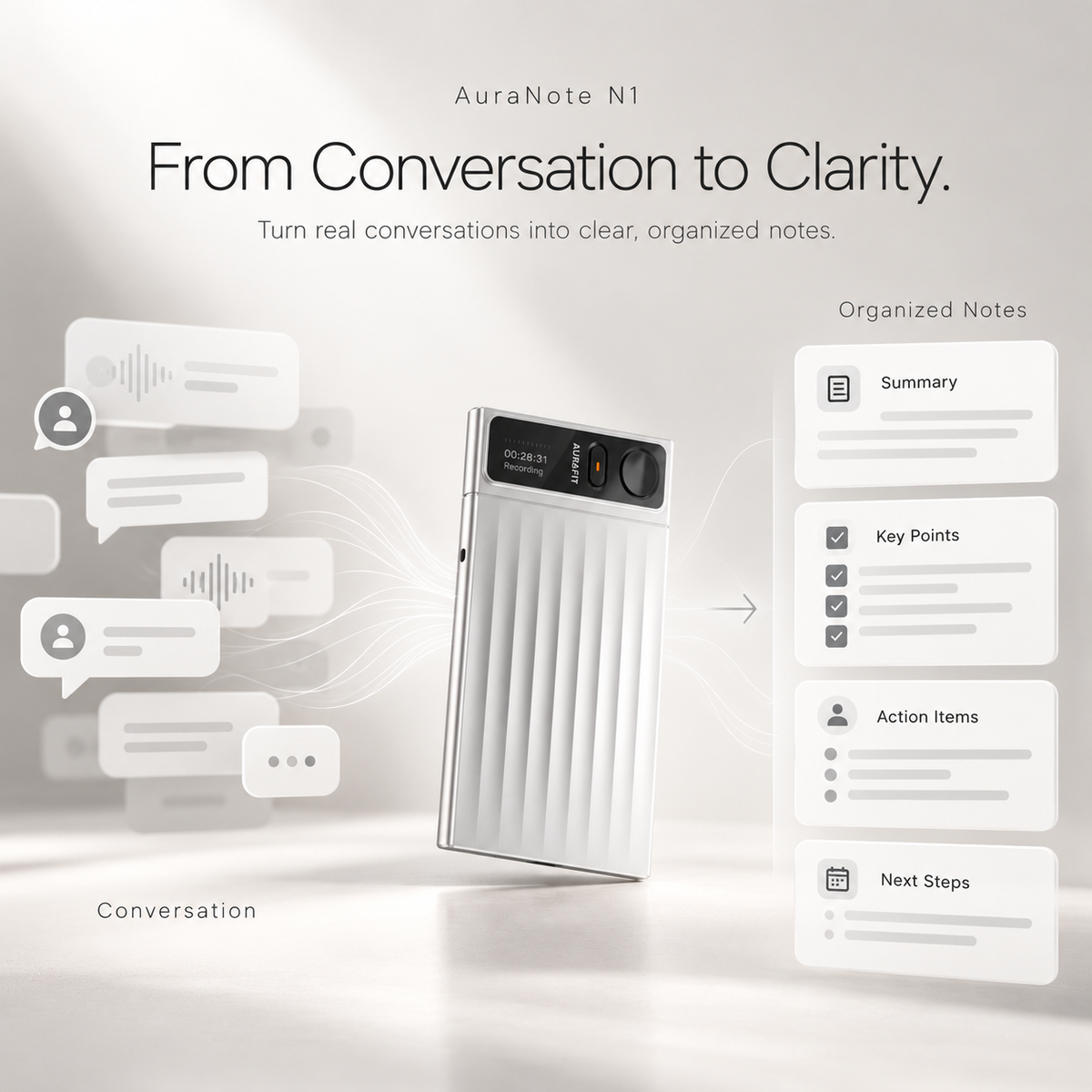



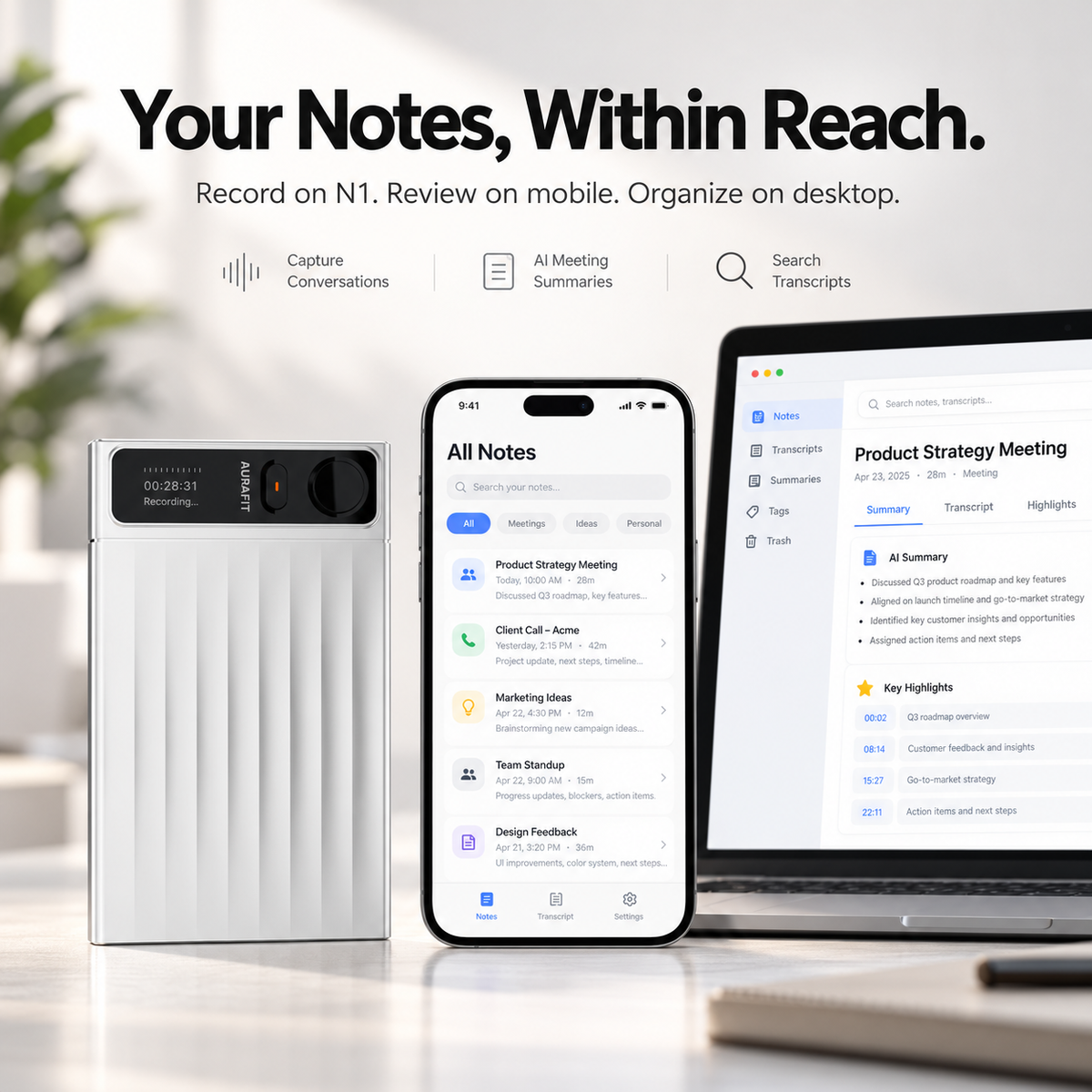
Stop manual note-taking. Turn hours of meetings into structured AI summaries and mind maps in 3 minutes.
INTELLIGENT BY DESIGN
BUILT TO GO WITH YOU

“Let’s confirm the final design by Friday and share the updated plan with the team.”
Review the conversation in writing.
Built-in storage
Recordings are saved on your device first.
Move recordings to the Aurafit app.
Connect with the Aurafit app.

Design review scheduled for Friday.


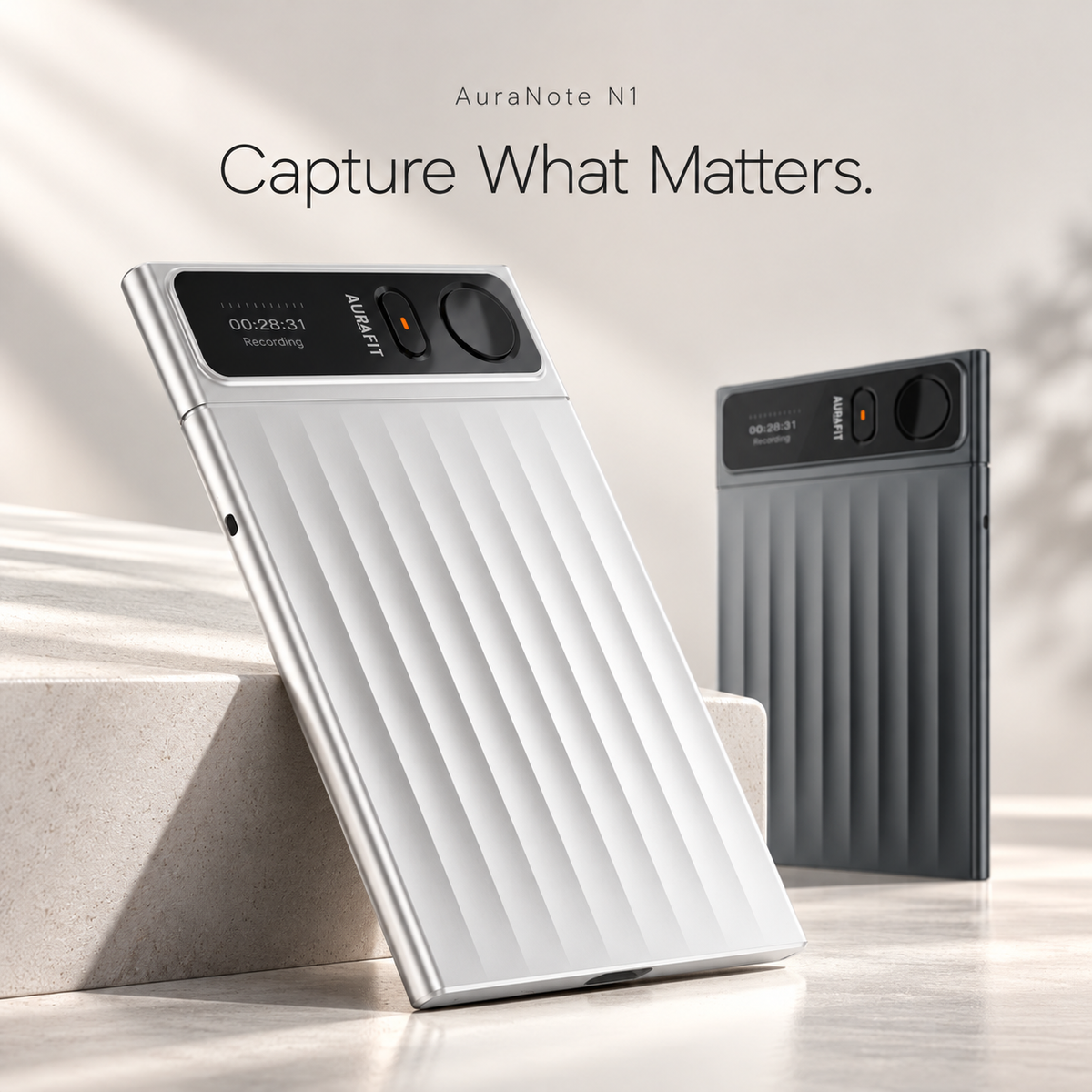
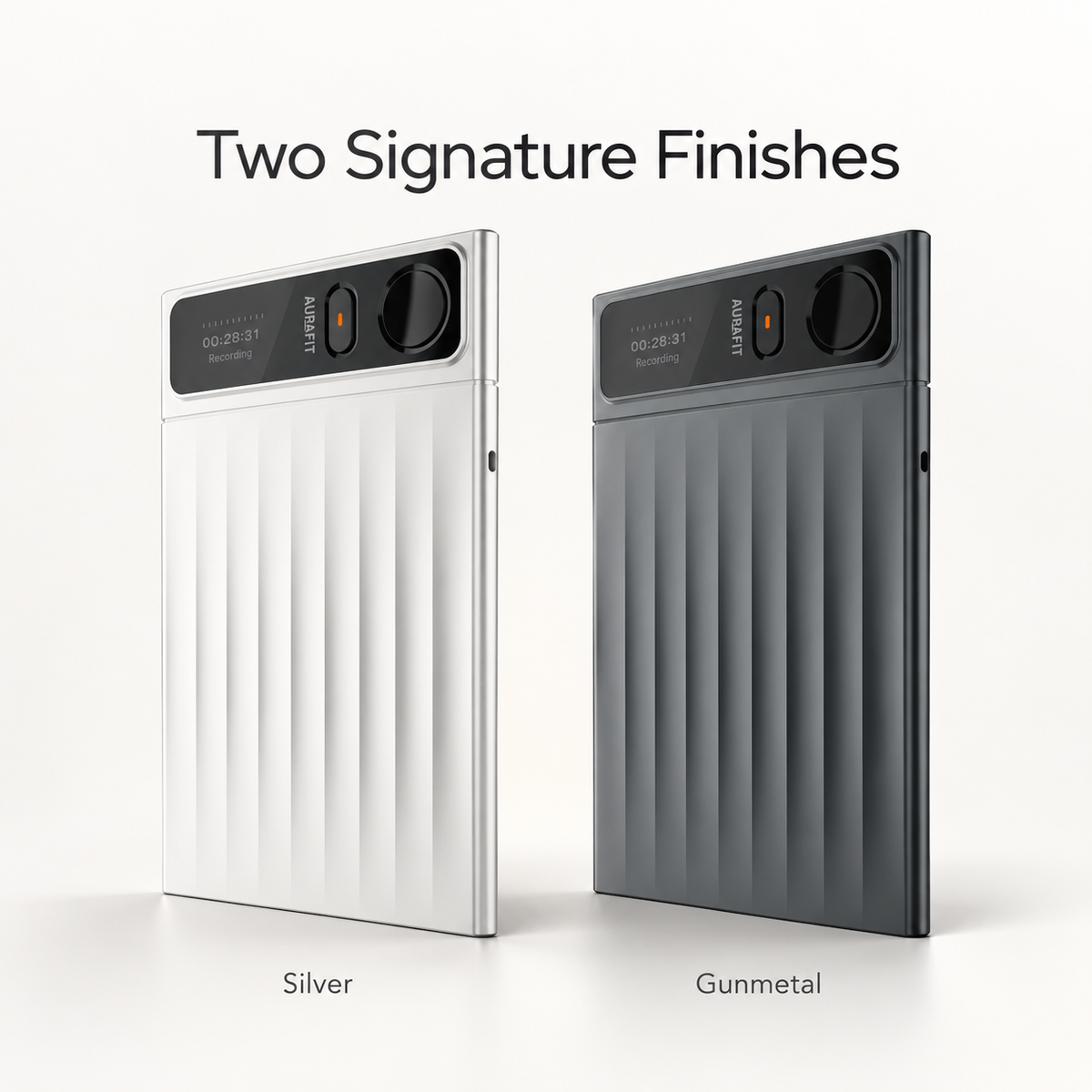
Silver · Gunmetal
AURANOTE N1 · AI MEETING NOTES
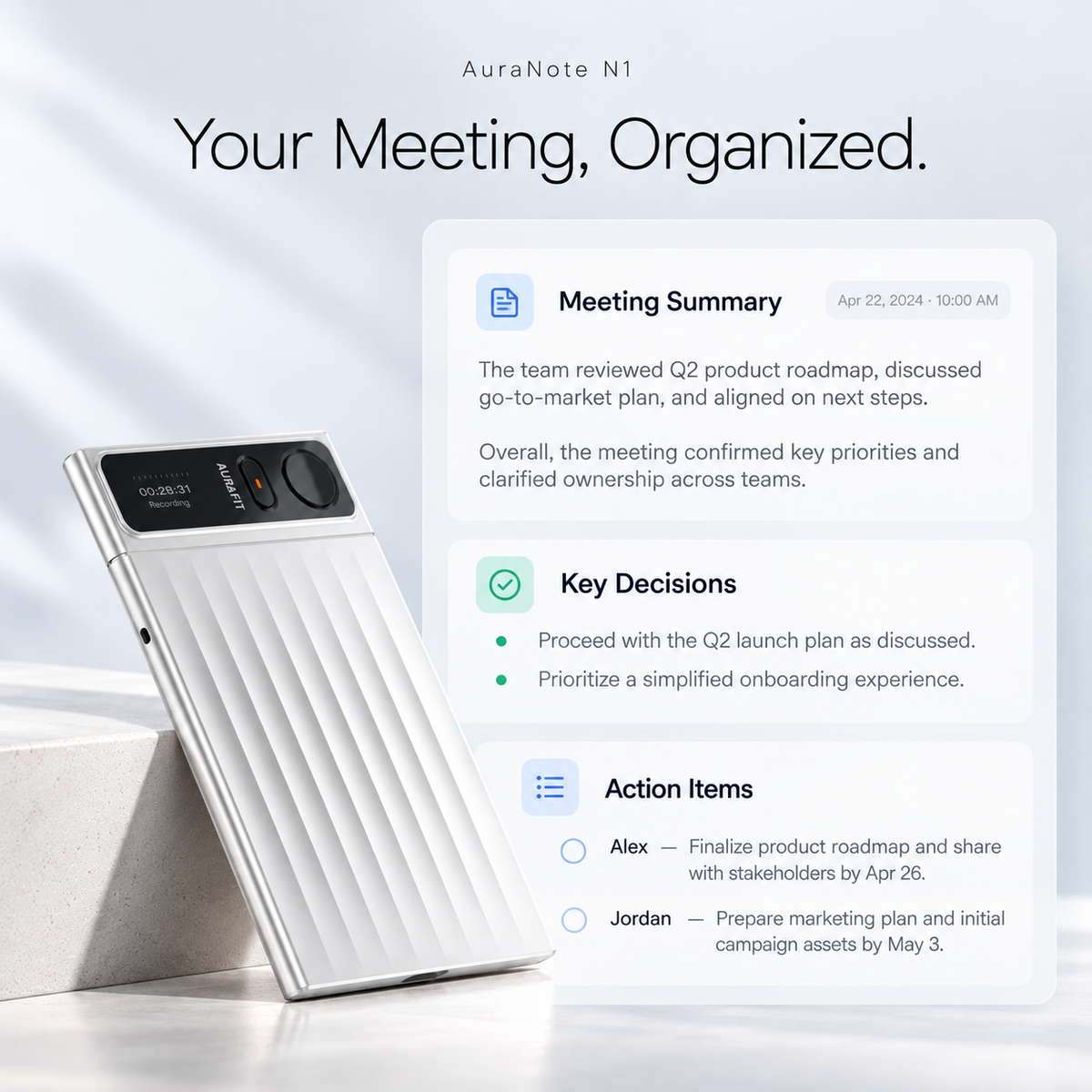
Record with AuraNote N1, then sync to the Aurafit app to generate a transcript, summary, and action items.

DURING THE MEETING
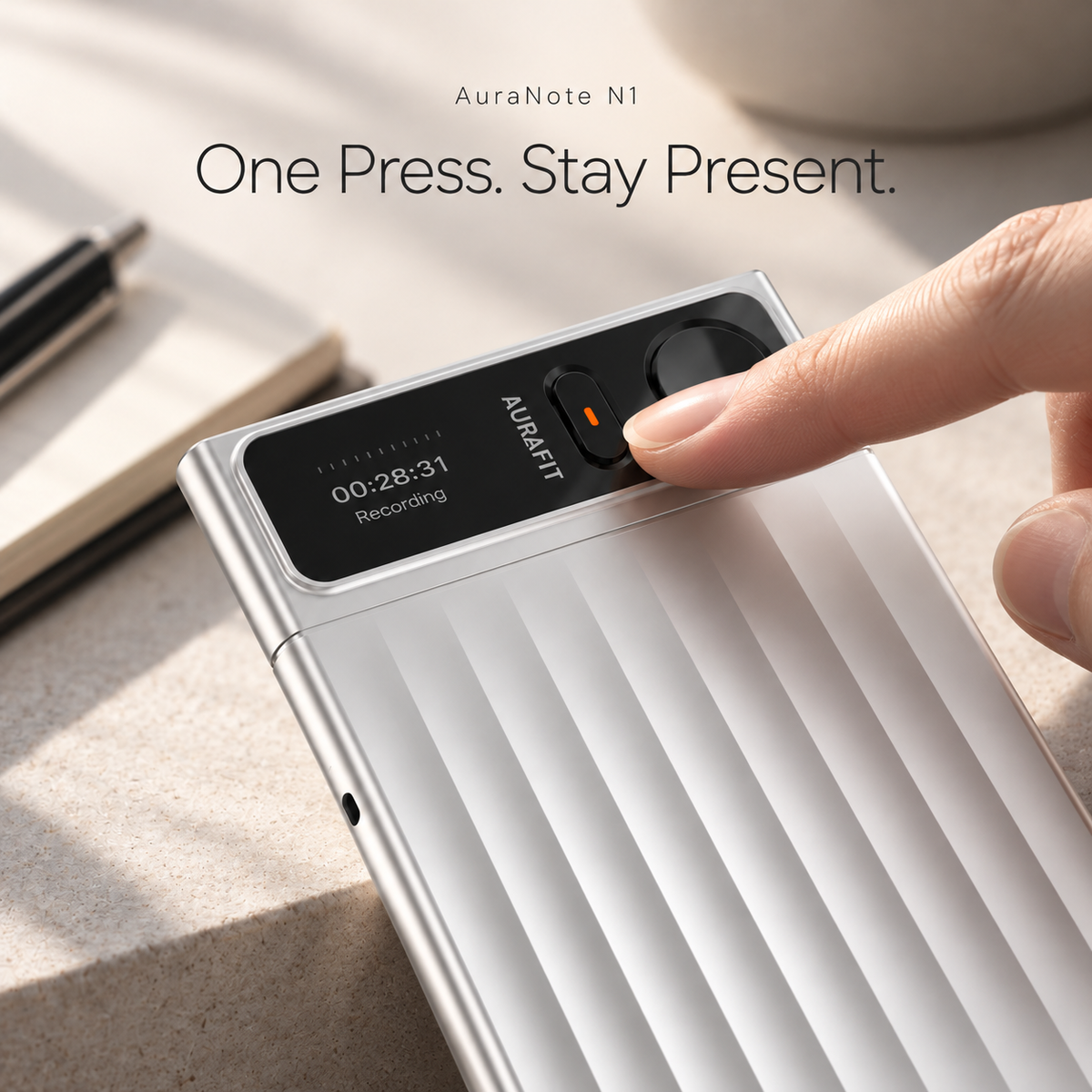
Capture the discussion so you can focus on the conversation.

AFTER THE MEETING
Review the main points and see what needs to be done next.
AURANOTE N1 · RECORDING + AI NOTES
Spend less time taking notes and reviewing recordings.
Capture the discussion with N1. Turn the recording into readable text, key points, a mind map and next steps.


Record audio on N1. Sync it to the Aurafit app when you are ready to generate AI notes.
I think we should move forward with the proposal.
I agree. The timeline looks good.
Let's also consider the budget and resources.
Let's send the draft, follow up with design, and schedule our next review.
The team agreed to move forward with the proposal, review the budget and resources, and arrange a follow-up meeting.
AURANOTE N1 · ASK AURA AI
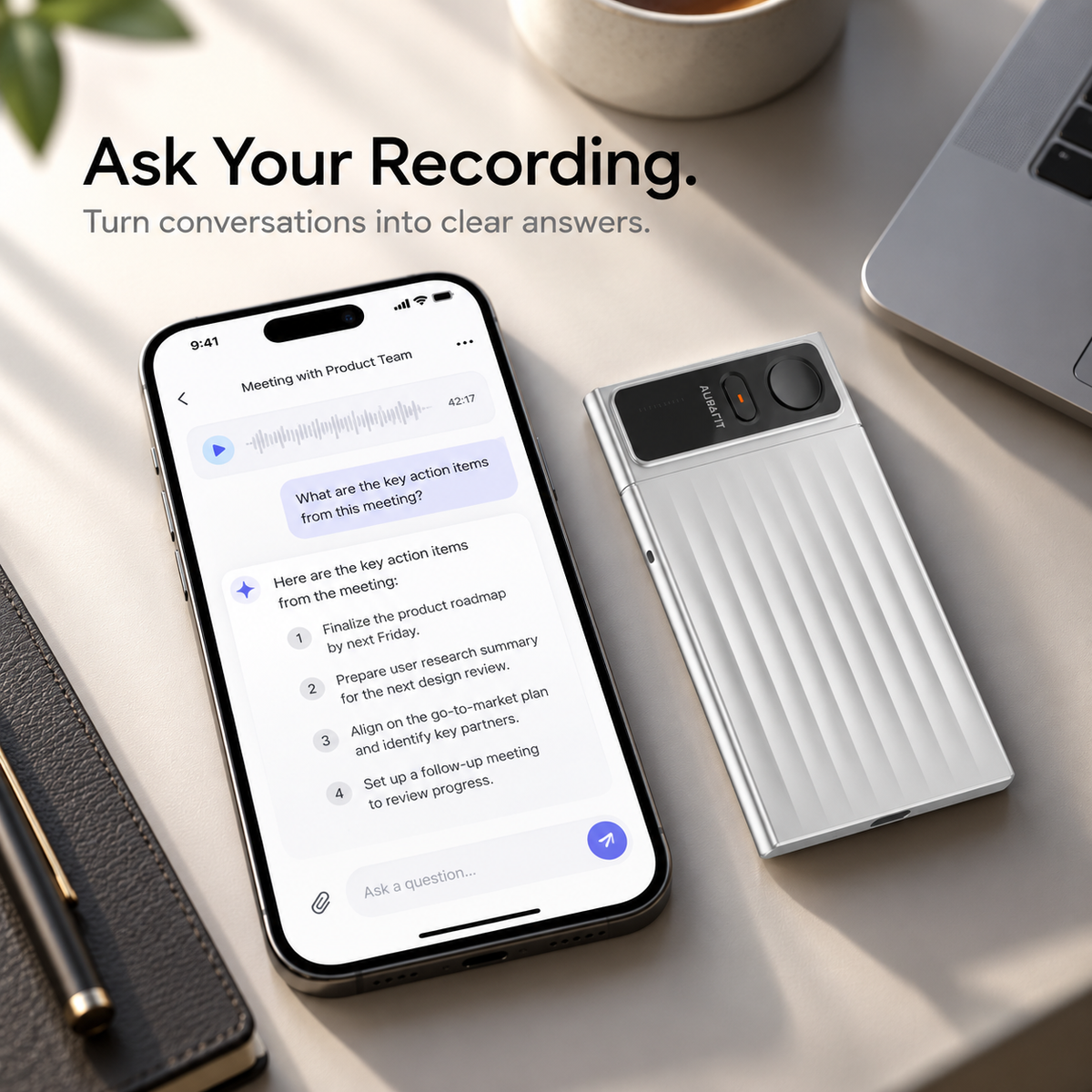
Your recording is just the beginning. Get a clear summary, review the decisions and turn the conversation into a to-do list.
Try the sample on the right. Imagine it with your next conversation.
1. CHOOSE A CONVERSATION
2. CHOOSE WHAT YOU NEED
The team agreed to launch the website on October 28 with checkout and product pages as the first-release priorities. The blog redesign will move to phase two. Designs and checkout testing will be reviewed next Tuesday.
Alex: Let’s launch the new website on October 28. Keep checkout and the product pages in the first release.
Sarah: I’ll send the updated designs by Friday. We can move the blog redesign to phase two.
Michael: I’ll test checkout on Monday and send the results to Alex.
Alex: Agreed. Let’s review the designs and test results next Tuesday.
Meetings, classes, interviews and everyday work. Record with AuraNote N1, then turn the conversation into notes you can use.

Record your spoken ideas and content conversations. Review a transcript and summary when it is time to create.

Turn recorded lessons into readable notes, summaries and mind maps for your next study session.

Record the team discussion and review the key points and action items after the meeting.

Turn planning conversations into an organized summary of ideas, priorities and follow-up tasks.

Keep an audio record of the interview and review the transcript when you need the details again.

Review the discussion, keep important requests together and organize the next steps for follow-up.
AURANOTE N1 · A LITTLE LESS BUSYWORK
Read it in your language. Know who said what. Find that recording. Explore six ways N1 makes everyday conversations easier to use.
Read the conversation in a language that feels familiar.

Keep each person’s words together, even when everyone has something to say.

See how the ideas connect without reading every line again.

Ask about what you remember and find the recording you need.

“Keep the cabinets and compare two countertop quotes.”
Sam: Let’s keep the cabinets and compare two countertop quotes.
You: I’ll measure the room this weekend and send the photos.
Keep your recordings and notes with you when you switch screens.

Kitchen plans with Sam
SUMMARYKeep the cabinets. Compare countertop quotes.NEXT STEPSMeasure the room.
Send photos to Sam.
Kitchen plans with Sam
NEXT STEPSMeasure the room.
Send photos to Sam.
Get your recording into the app and get on with your day.

Transfer preview
Interactive examples · Illustrations of feature workflows.
AURANOTE N1 · EVERYDAY CARRY
A 4mm slim, 34g recorder that fits easily in your bag—with 30+ hours of recording for meetings, interviews, and the conversations that matter.
Easy to slip into your bag.
Less weight to carry.
Long recording sessions.
 34g · Lightweight
Carry AuraNote N1 with your phone and notebook, ready for your next conversation.
 4mm · Slim profile
A slim metal body fits into your daily routine, from the commute to the meeting room.
Recording time varies with use and settings.
AURAFIT / AURANOTE N1
Inside the box, product specifications, and answers to your questions.

THE COMPLETE KIT
Your recorder and its everyday essentials, together in one package.
AI voice recorder
For everyday storage
For charging your recorder
Included accessory
Get started with your N1
A closer look at the hardware behind the experience.
*Recording endurance, charging time, transfer speed, and performance vary depending on settings, file size, connection quality, and actual usage conditions.
AURANOTE N1 / HELP CENTER
From your first recording to AI-powered meeting notes, here’s what to know.
When the device is powered off, press and hold the recording button for approximately 3 seconds to turn it on. Once powered on, press and hold the recording button for approximately 2 seconds, then release to start recording. Press and hold it again for approximately 2 seconds to stop.
Yes. AuraNote N1 supports both ambient recording and call recording, and can automatically recognize the recording mode without requiring you to switch manually. Actual call-recording compatibility depends on your smartphone and app support.
AuraNote N1 features two omnidirectional microphones and one bone-conduction microphone, with a stated pickup range of approximately 5–8 meters. Actual recording clarity may vary depending on background noise, speaking volume, distance and the recording environment.
Yes. Briefly press the recording button during a recording to add a marker. These markers help you find important moments more easily when reviewing the audio later.
Press and hold the voice memo button to start capturing a quick note. Release the button to finish. The recording is automatically saved and uploaded to the app.
Yes. AuraNote N1 supports access through the companion app and web interface. After you upload a recording to the app, the file can be synchronized to the web interface so you can review it across supported devices.
Yes. You can manage and delete your recording files. For details about how information is handled and how long it is retained, please refer to the Privacy Policy on our website.
A single recording can last up to 5 hours, while total continuous recording time can exceed 30 hours. Actual performance may vary depending on usage conditions.
After you connect to the app, your audio file is uploaded for AI processing. AuraNote N1 can organize the conversation into structured meeting notes, including discussion details and key conclusions, so you can review important information without replaying the entire recording.
AuraNote N1 is designed for meetings, classes, interviews and everyday voice or idea capture. Before recording, make sure you comply with local laws and venue rules, and obtain consent from the people involved when required.
Our team is here to help you get more from AuraNote N1.

Stay present in every conversation. Capture the details, uncover the insights, and move forward with confidence.
AI Voice Recorder
Price and availability update with your selected finish.